
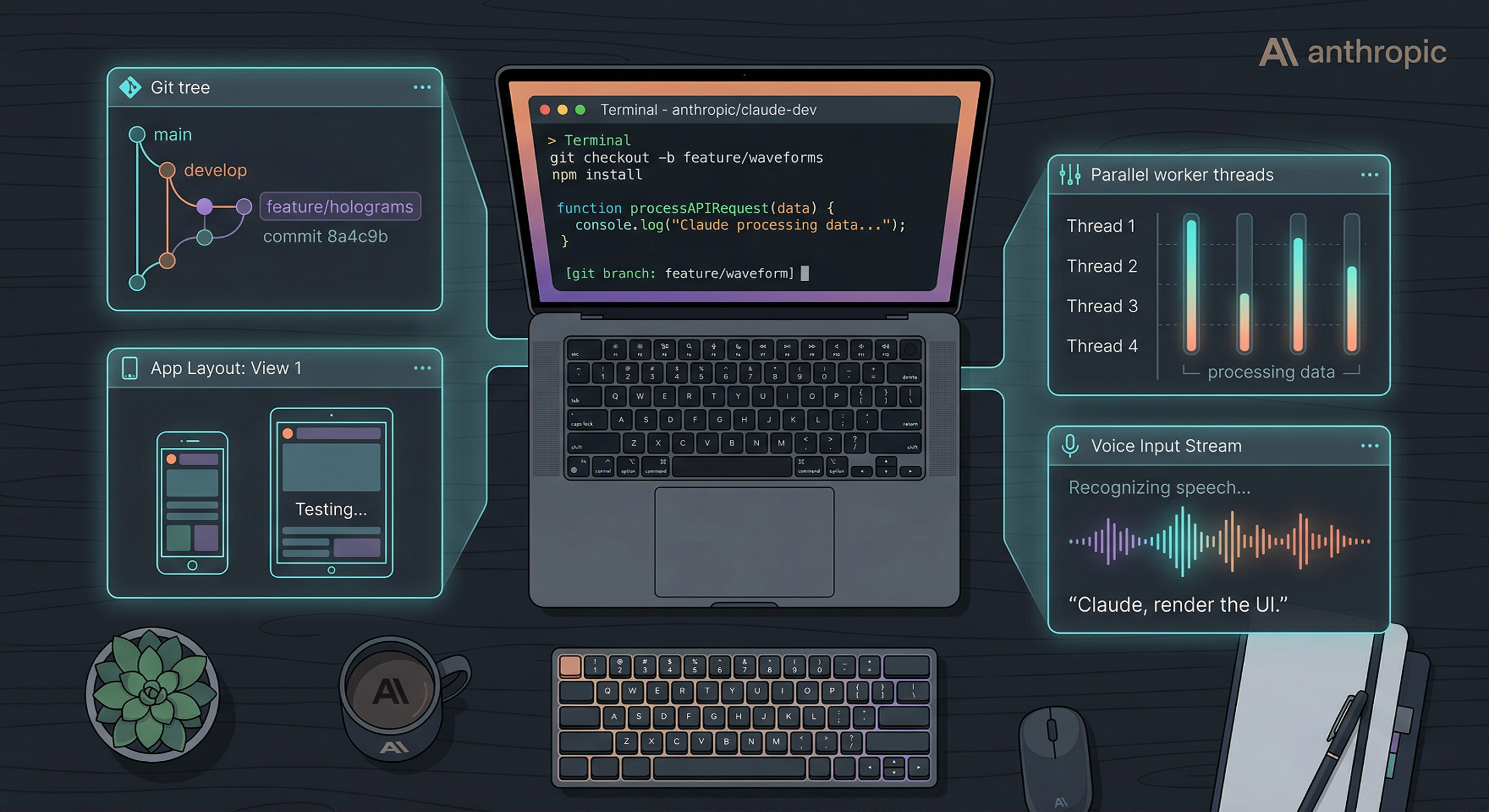
Most developers use Claude Code the same way: open terminal, type a prompt, wait, repeat. That barely scratches the surface.
Boris Cherny (who works on Claude Code at Anthropic) recently shared a thread of power-user features that most people have never touched. I went through the entire thread, resolved every linked doc, and distilled it into what actually matters.
Here are 15 features worth knowing.
1. Mobile App with a Dedicated Code Tab
Claude Code has a full mobile app (iOS and Android) with a Code tab in the left sidebar. You can write, review, and ship code from your phone. Not a gimmick. Boris says he writes "a lot" of his code from the iOS app.
2. Session Teleporting
Start a session on your phone, then continue it in your terminal with claude --teleport. Or go the other way: run /remote-control in your CLI session and control it from your phone or browser. You can enable "Remote Control for all sessions" in /config so this is always on.
3. /loop and /schedule
These let you run Claude automatically at set intervals, for up to a week. Real examples from Boris's setup:
/loop 5m /babysitto auto-address code review, rebase, and shepherd PRs to production/loop 30m /slack-feedbackto auto-generate PRs from Slack feedback/loop 1h /pr-prunerto close stale PRs
The pattern: turn a workflow into a skill, then loop it.
4. Hooks for Agent Lifecycle Control
Hooks let you run deterministic logic at specific points in the agent lifecycle. Key hook events include SessionStart, PreToolUse, PermissionRequest, Stop, WorktreeCreate, FileChanged, PostCompact, and more.
Practical uses: dynamically load context on every session start, log every bash command the model runs, route permission prompts to WhatsApp for remote approval, or poke Claude to keep going when it stops.
Hooks support shell, HTTP, or prompt-based execution.
5. Cowork Dispatch
Dispatch is a secure remote control layer for the Claude Desktop app. It can use your MCPs, browser, and computer (with permission). Boris uses it daily for catching up on Slack, managing emails, and controlling his laptop remotely.
6. Chrome Extension for Frontend Work
The single most important tip for Claude Code: give it a way to verify its output. For web development, that means a browser.
Install the Chrome/Edge extension and Claude will write code, open it in the browser, see the result, and iterate until it looks right. Works more reliably than similar MCPs.
7. Desktop App with Built-in Browser
The Desktop app bundles an auto-starting web server and a built-in browser for testing. Claude can run your server, open it, visually verify, and fix issues in a loop. Also supports visual diffs, live previews, and parallel sessions.
8. Session Forking with /branch
Need to explore two directions from the same point? Fork your session:
- Run
/branchfrom inside a session - Or from CLI:
claude --resume <session-id> --fork-session
9. /btw for Side Queries
While Claude is working on a task, run /btw to ask a quick unrelated question without interrupting the main flow. Small feature, daily utility.
10. Git Worktrees for Massive Parallelism
Claude Code has deep, native git worktree support. Worktrees let you run dozens (or hundreds) of Claude sessions in the same repo simultaneously, each in an isolated working directory that shares git objects.
Start with claude -w or check the "worktree" box in Desktop. Use .worktreeinclude to share .env files and secrets across worktrees.
11. /batch for Fan-Out Changesets
/batch interviews you about the task, decomposes it into 5 to 30 units, then spins up one background agent per unit in an isolated worktree. Each agent runs tests and opens a PR.
Built for large code migrations and any work that can be parallelized.
12. --bare for 10x Faster SDK Startup
By default, claude -p (and the TypeScript/Python SDKs) searches for local CLAUDE.md files, settings, and MCPs. For non-interactive or scripted usage, that is wasted overhead.
Pass --bare and explicitly specify what to load via --system-prompt, --mcp-config, and --settings. Up to 10x faster startup. Anthropic plans to make this the default in a future version.
13. --add-dir for Multi-Repo Work
Working across multiple repositories? Start Claude in one repo, then run --add-dir (or /add-dir) to give it access to another. This grants both visibility and write permissions.
For teams, add additionalDirectories to your settings.json so extra folders load automatically.
14. Custom Agents with --agent
Define custom agents in .claude/agents/ with their own system prompts, tool access, and isolation settings. Run them with claude --agent=<name>.
Frontmatter fields include description, tools, disallowedTools, prompt, and isolation mode. Boris and others in the thread mention running 20+ specialized agents with scoped prompts.
15. Voice Input with /voice
Run /voice in CLI and hold the space bar to speak. On Desktop, press the voice button. On iOS, enable dictation in settings.
Boris says he does most of his coding by speaking to Claude rather than typing.
The Bigger Picture
The thread that prompted this post had one recurring theme in the replies: people paying $200/month for Claude and barely using 10% of what it can do.
The gap is not in the model's intelligence. It is in how you use the tooling around it. Loops, hooks, worktrees, batch, custom agents: these are not nice-to-haves. They are what separate "I use Claude Code" from "Claude Code runs my development workflow."
Start with one feature from this list. Integrate it this week. Then add another.